Ordering Crackers on Your Phone in Hyderabad, Screen by Screen
Ordering Crackers on Your Phone in Hyderabad, Screen by Screen
Almost every crackers order in Hyderabad now starts on a phone. The whole flow fits on one screen at a time if you know the order of steps. This guide walks through each mobile screen so you can move from browsing to confirmation without switching to a laptop.
If you are new to the city or simply tired of queueing at a physical stall, Crackers online hyderabad is a practical starting point. The site is built for small screens, and the steps below follow the same sequence a first-time mobile shopper would see.
Opening the Store on a Small Screen
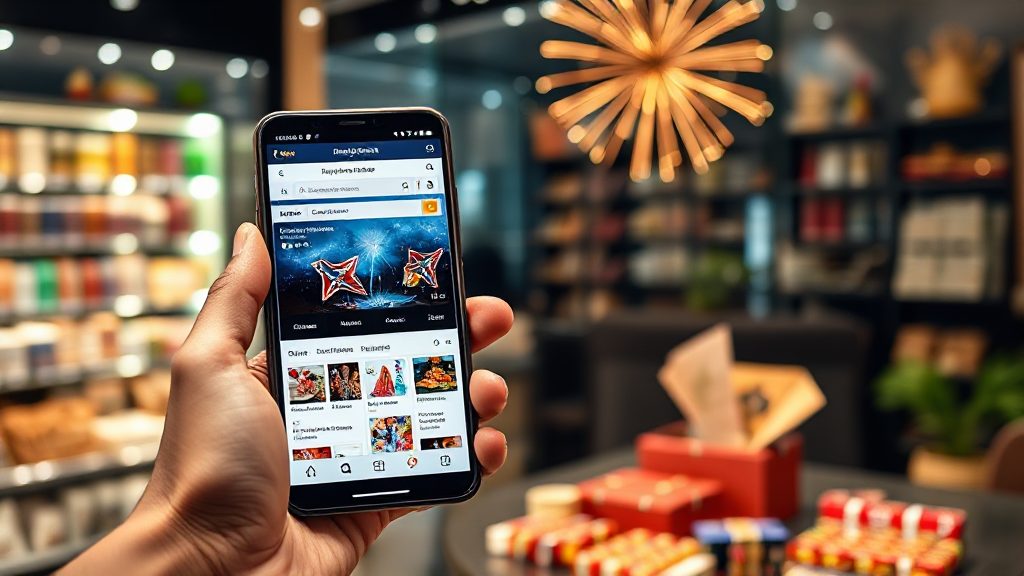
Type the store name into your phone browser or tap a saved link. The homepage should load a category grid, a search bar, and a visible price list entry. On a phone, look for a menu icon at the top; that is where account and contact options usually sit.
Before scrolling far, check that the page shows a Hyderabad-focused store. A local retailer will mention doorstep delivery and cash on delivery rather than vague shipping terms. That single check saves you from filling a cart on a site that cannot serve your area.
Browsing Categories and the Price List
Most online cracker stores group products into standard categories such as sparklers, flower pots, rockets, and gift boxes. Tap one category, then use the back button to compare. On a phone, resist opening ten tabs at once; the browser will slow down and you will lose track of prices.
The price list is the most useful screen for planning. It usually lists item names and rates in a simple table. If you are buying for a family festival, note down the few items you actually want before adding anything to the cart. This keeps the final bill close to your budget.
Setting Your Pincode for Delivery
Before you add products, enter your pincode in the delivery checker. This step tells you whether the store delivers to your locality. In a city as spread out as Hyderabad, delivery coverage can differ between nearby areas, so do not assume your neighbourhood is included.
If the pincode is accepted, the site will usually confirm delivery availability on the spot. If it is not, try a nearby pincode only if you can genuinely receive the parcel there. Changing the pincode later, after building a cart, often means starting over.
Logging In or Checking Out as a Guest
Many mobile shoppers skip login until the final screen. That is fine if the store allows guest checkout, but creating an account helps you track the order and reorder next season. Use a phone-friendly password manager rather than typing a long password on a small keyboard.
If you plan to Buy crackers online for a group or apartment complex, log in first so your address book and past order are saved. It also makes it easier to share order details with family members who are splitting the cost.
Adding Items and Reviewing the Cart
Add one item at a time and watch the cart total update. On a phone, the cart icon is usually at the top right, and the count badge tells you how many products are inside. Tap it to review quantities before you continue.
Check three things in the cart: the item name, the pack size, and the quantity. A common mobile mistake is tapping the plus button twice because the screen did not respond immediately. Wait a second after each tap, then confirm the number is correct.
Choosing Cash on Delivery and Confirming the Address
Cash on delivery is the preferred option for many festival shoppers because it avoids paying upfront for a large order. Select it at checkout if it is offered for your pincode. Keep the exact amount ready, since delivery staff may not carry change for a big note.
Type the address carefully on the phone: house number, street, landmark, and a phone number that will be answered on delivery day. A landmark is especially useful in Hyderabad neighbourhoods where similar street names repeat. Read the address back once before you tap confirm.
Placing the Order and Saving the Confirmation
After you place the order, the confirmation screen shows an order number and a summary. Take a screenshot immediately. Mobile browsers sometimes clear the confirmation page when you switch apps, and the screenshot becomes your reference if you need to contact the store.
If you are comparing options before you commit, it helps to Buy crackers online hyderabad from a store that displays its contact details clearly. Save the number in your phone so you can ask about delivery timing without hunting through email.
Saving Time on the Next Mobile Order
The first order takes the longest because you are learning the screens. The second order is faster: your pincode, address, and login are already saved, so you can go straight to the category you need. Keep a short list of last year’s favourites in your phone notes to speed up browsing.
Order early in the festival season rather than on the busiest days. Delivery slots fill up, and cash-on-delivery confirmation can take longer when demand is high. A little planning on your phone now means your crackers arrive with time to spare.